
Sandboxing all the way down
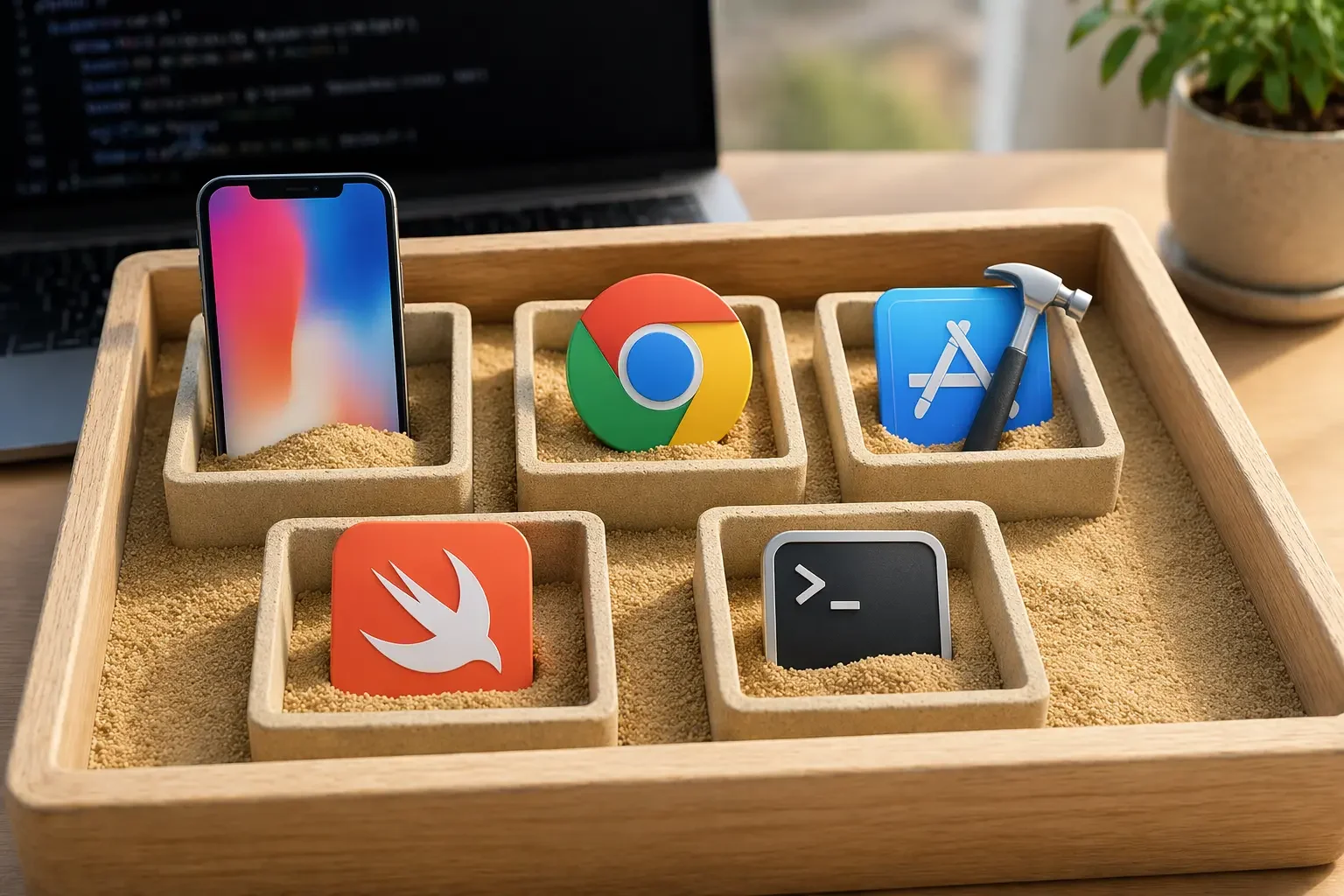
I'm not worried about AI taking my job. I'm worried about it taking my SSH keys.
There's a malicious package released into the software supply chain every six minutes, so we're all just one download away from having our computers owned, our digital identities stolen, and our files encrypted by ransomware.
When you open an AI agent on your local computer, you're handing it the keys to your digital life: your browser site-login cookies, files, and credentials. One step away from your password maanger, bank account, email, and social media. Everything.
What's the likelihood you're going to be able to get a support agent from Google to help when you can't even login to your own gmail account?
I love the promise of AI agents, but they have so many sharp edges I want to lock them away in a sandbox. So I created sandvault, a lightweight sandbox for MacOS. It runs AI agents, or any dangerous code snippets, in a locked-down profile where they can't do as much damage.
The tricky part was making a sandbox that's actually useful for development.
If you're building an iOS app, you need to run iOS Simulator. If you're building a web app, you need access to Chrome browser.
But GUI apps can't run inside a limited user account when you're logged in because macOS ties windows to the user that owns the login session. Lots of folks have suggested solutions from Stack Overflow that used to work (e.g. launchctl asuser), but Apple locked all of those down a long time ago.
I found a solution: sandvault launches iOS Simulator on the host, then exposes an HTTP bridge for the sandbox. The agent sends requests, the bridge translates them into commands — install an app, tap a button, type on the keyboard, grab a screenshot. When the session ends, the simulator gets deleted.
Chrome works the same: sandvault launches a headless Chrome instance with a blank profile on the host, and the agent connects through Chrome DevTools protocol using Playwright or Puppeteer.
Both of these methods utilize the fact that iOS Simulator and Chrome are themselves sandboxes.
I've had to sort out a lot of finicky details. MacOS doesn't support nested sandboxing. Since sandvault runs inside sandbox-exec, it can't launch another sandboxed process. That means tools like swift build and xcodebuild, which use sandboxing internally, just fail.
But I've solved all these issues, and can run sandboxes all the way down: sandvault running sandvault running xcode for builds running swift to compile, then launching apps in the simulator. And sandvault building websites and running them in Chrome.
Sandvault is open source and works today with AI agents. It's built with support for Claude Code, OpenAI Codex, Gemini, and OpenCode. It's easy to extend to other AI coding agents.
You can find it here: github.com/webcoyote/sandvault.
Or check out it's cousin clodpod, which uses macOS virtual-machines to sandbox AI agents.
A sandbox costs you nothing. Not having one can cost you everything.